


How to process identity documents automatically
The article demonstrates how to automatically process identity documents, with a focus on automating information extraction. This service is valuable in many application scenarios and provides significant benefits for companies.

The following article explains how to process identity documents automatically with MyBiros, specifically focusing on automating the extraction of personal information. This service is valuable in various application scenarios, such as customer onboarding, both remotely and in person. In these cases, automating identity document processing can significantly streamline the customer registration process.
Description of the use case
Identity documents (such as identity cards, passports, driving licenses, and health cards) are categorized as structured documents. Therefore, it is possible to process them using traditional solutions based on rules and templates applied to the output of an OCR engine. However, several complications prevent traditional methods from fully automating this use case:
- Document acquisition is not always standardized: Identity documents may be scanned or photographed in rotated or low-quality formats, making them difficult to read. These issues pose challenges for rule-based and template-based approaches, which are unable to handle such variability effectively.
- Diversity of identity documents: While an individual identity document might be straightforward to interpret, each country has one or more types of identity documents. For a global use case, this means hundreds of different document formats. Traditional solutions would require creating separate rules and templates for each one.
- Document changes over time: As identity document formats evolve, additional rules and templates are needed to accommodate these changes.
These challenges can be overcome with innovative solutions that leverage Deep Learning techniques, eliminating the need for rules and templates. myBiros effectively addresses these issues by automating the process. For simplicity, the article will focus on the use case of the Italian identity card.
This version improves clarity, structure, and flow while maintaining the original meaning.
Building a use case with myBiros
MyBiros leverages Deep Learning techniques to eliminate the need for rules and templates, relying instead on a fully data-driven approach. Unlike traditional methods that focus solely on field positioning for extraction, myBiros uses semantic analysis, document geometry analysis, and layout interpretation to process documents effectively.
Creating a use case with MyBiros is straightforward and involves the following steps:
1. Collection of documents
2. Data annotation
3. Training
4. Service release and performance testing
Collecting documents
The first step is to collect a small sample of reference documents, such as 10 Italian identity cards. This document collection is essential because Artificial Intelligence algorithms require training data to learn and develop the ability to extract information accurately. These reference documents serve as the foundation for training the algorithm to recognize and process similar documents in the future.

Data annotation
The annotation phase transforms documents into data that can be understood by AI. With MyBiros' intuitive no-code interface, users can easily specify the information of interest by simply clicking on the data to be extracted. Additionally, MyBiros' AI helps accelerate the process by suggesting relevant information to extract, further streamlining the annotation phase.

Training
In this phase, the algorithm learns from the information prepared during the annotation phase. This step is fully automated, and within a few hours, you'll have a newly trained model. A key feature of the MyBiros platform is the ability to choose between training the algorithm from scratch or using one of MyBiros' pre-trained models from other domains to speed up training and improve accuracy.
During the training process, you can monitor model evaluation metrics, ensuring the accuracy of the extracted data. This allows for real-time insight into the model’s performance as it evolves.

Service delivery and performance testing
Once training is complete, the service can be tested through an intuitive interface that displays the results, allowing you to evaluate the model's performance. This interface also provides access to the new API associated with the created use case, along with examples of possible integrations, making it easy to implement and assess the effectiveness of the model in real-world scenarios.

Results and benefits
The result is an Artificial Intelligence model capable of understanding and extracting the specified information of interest from documents, encapsulated in an API that can be easily accessed remotely.
The benefits of implementing such a use case include:
- Reduction of errors caused by manual data entry
- Elimination of repetitive and tedious data entry tasks
- Time and cost savings
- More accurate and secure data extraction
- Faster and more efficient processes, making workflows more streamlined and immediate
These advantages provide significant improvements in operational efficiency and data handling.
Want to learn more about our solutions? Contact us, we are ready to assist you!
Articles in the same category

Digital sale of RCA insurance policies: how IDP improves quotes and onboarding
IDP makes it possible to automatically extract data from RCA insurance policies and use it to generate personalized quotes, reducing manual form filling and abandonment in the digital funnel.
Read it now
Document AI: when general-purpose model APIs are not enough
General-purpose model APIs work well for prototypes, but at scale, document data extraction requires validations, integrations, and exception handling. The model is only one part of the system.
Read it now
AI for Gas and Electricity Switching: Less Friction, More Contracts
Extracting data from utility bills and documents still slows down many switching processes. With myBiros’ specialized AI, utilities and sales networks can automate data entry, reduce errors and accelerate contract signing.
Read it now
Accelerating Time-to-Yes in Lending with AI
AI accelerates the analysis of financial documents, reduces manual work, and transforms data into structured information, enabling banks and financial intermediaries to respond faster and improve their Time-to-Yes.
Read it now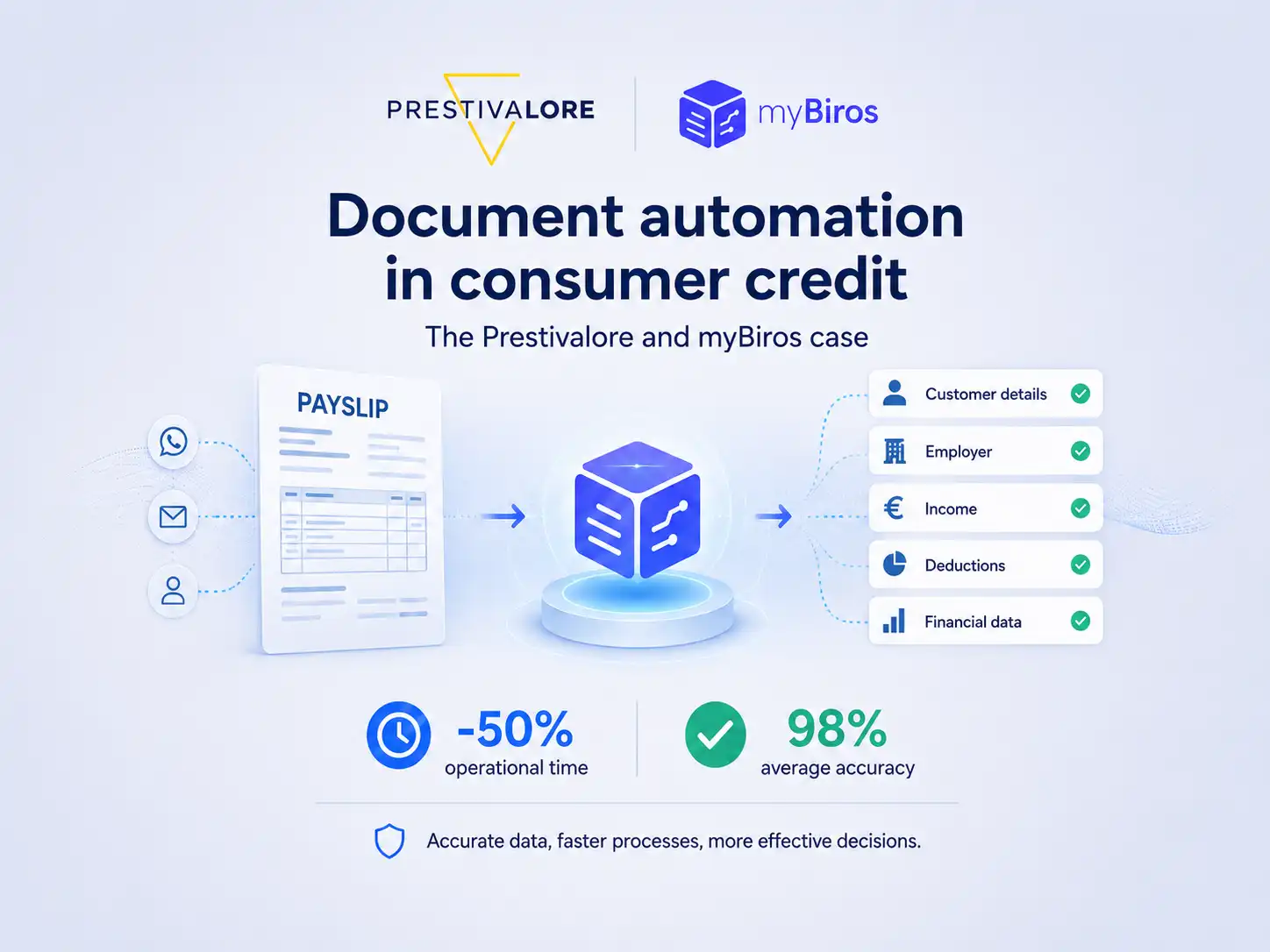
How Prestivalore reduced operational times by 50% with myBiros
Prestivalore processes approximately 90,000 documents each year, including payslips and identity documents. Thanks to myBiros, the company has automated data extraction, reduced manual work, and achieved an average accuracy rate of 98%.
Read it now
Beyond the Demo: The Hidden Complexities of Training and Validating VLMs for Document AI
Training a VLM for Document AI may look straightforward in a demo, but bringing it into production requires a robust pipeline: multimodal datasets, controlled fine-tuning, and reliable output validation.
Read it now


