


OCR vs IDP: differences and which technology to choose
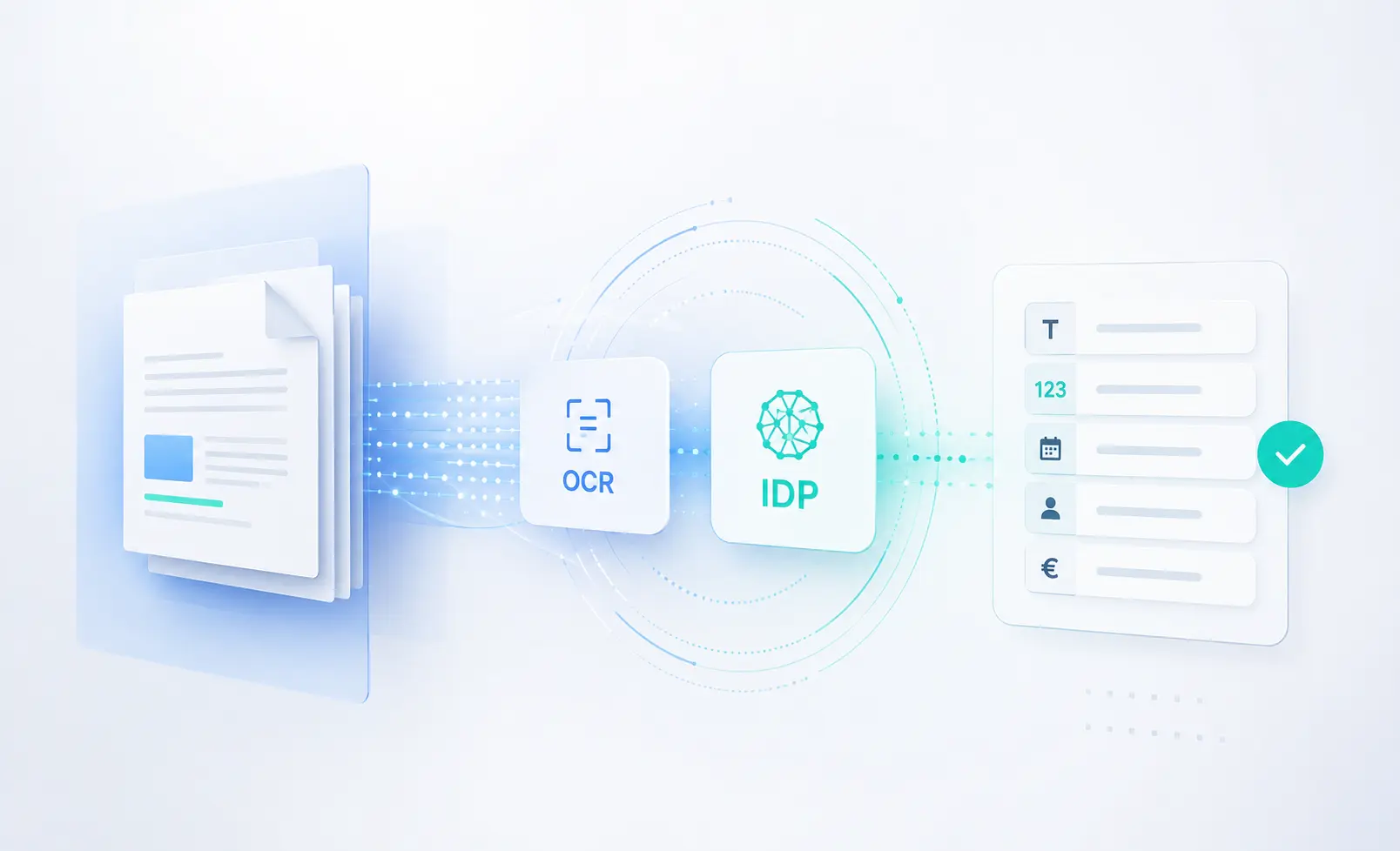
OCR and IDP are two key technologies for document automation: OCR makes it possible to read text from images and PDFs, while IDP understands document content and transforms it into structured data ready for business processes.

In the context of document digitization, OCR and IDP are two technologies often mentioned together, but they are not the same.
OCR, or Optical Character Recognition, converts text from images, scans, or PDFs into editable and searchable digital content. It is a key technology in digitization processes, but it represents only the first level of document processing.
IDP, or Intelligent Document Processing, is a more advanced approach: it combines OCR, Artificial Intelligence, Computer Vision, Machine Learning, and NLP to read, understand, classify, validate, and extract information from documents.
The main difference is simple: OCR reads the text, while IDP understands the document and transforms information into structured data that can be used by business processes.
What is OCR
OCR is a technology that makes it possible to recognize characters within an image and transform them into digital text.
In practice, it allows you to:
- extract text from digitized paper documents;
- make PDFs and images searchable;
- convert scans and photographs into text content;
- reduce part of manual data entry;
- create more accessible document archives.
A simple example: if a company receives a scan of an invoice, an OCR system can read the text in the document and return it in digital format.
This makes it possible to copy, search, index, or archive the content. However, the result remains mainly a transcription of the text.
OCR is not designed to fully understand what those data represent within the context of the document.
How OCR works
An OCR system generally follows a series of technical steps that transform an image into machine-readable text.
The process starts with image acquisition, which can come from a scan, a photograph, or a PDF.
Next, a pre-processing phase is carried out to improve image quality. At this stage, techniques such as the following may be applied:
- noise removal;
- contrast enhancement;
- skew correction;
- resolution normalization;
- readability optimization.
After pre-processing, the system identifies the text areas, separates lines, words, or characters, and proceeds with character recognition.
The final result is digital text that can be edited and indexed.
Over the years, OCR has evolved significantly: from systems based on rules and template matching to neural networks, Transformers, and more modern models. However, even in its most advanced versions, the main goal of OCR remains text transcription.
The limitation of OCR: reading does not mean understanding
OCR is useful when the goal is to digitize a document, but on its own it is not enough to automate a complex document process.
Its main limitation is that it transforms an image into text, but does not interpret the meaning of the information.
For example, a utility bill may contain many dates: issue date, due date, reference period, payment date. An OCR system can read all these dates, but it is not always able to understand which value should be associated with the correct field.
The same applies to invoices, payslips, identity documents, passports, contracts, or business forms.
OCR can read the content, but an additional layer is often needed to:
- understand the type of document;
- identify the relevant fields;
- interpret the data in its context;
- validate the extracted information;
- export the data to ERP, CRM, or business management systems.
For this reason, in real business processes, OCR is often only the first step in a broader pipeline.
What is IDP
IDP, an acronym for Intelligent Document Processing, refers to a set of technologies and solutions based on Artificial Intelligence, Computer Vision, Machine Learning, and NLP, designed to automate document processing.
Unlike OCR, IDP does not simply read text.
An IDP solution can:
- capture documents from scans, PDFs, images, emails, or certified email;
- improve document quality through pre-processing;
- analyze layouts, tables, fields, images, and visual structure;
- automatically classify the type of document;
- extract key information;
- transform unstructured data into structured data;
- validate results through confidence scores and human review;
- integrate data into business systems.
The goal of IDP is to make the information contained in documents automatically usable by business processes, departments, and applications.
OCR vs IDP: the main difference
The difference between OCR and IDP is not only about accuracy. It mainly concerns the type of result produced.
OCR returns digital text.
IDP returns structured, contextualized, and usable data.
An OCR system can read an identity card and return all the text present on the document.
An IDP system can recognize that it is an identity card, identify first name, last name, date of birth, document number, expiry date, and tax code, organizing each piece of information into the correct field.
The difference is substantial.
With OCR, you get a transcription.
With IDP, you get data ready to be used.
Do OCR and IDP work together?
Yes. OCR and IDP are not alternative technologies in an absolute sense.
In many IDP pipelines, OCR represents the first step: it transforms the image or scan into machine-readable text.
After this step, other technological layers come into play:
- layout analysis;
- document classification;
- information extraction;
- data validation;
- enrichment;
- integration with business systems.
In this sense, OCR is a component of IDP, but it does not cover the entire process.
IDP adds what pure OCR lacks: understanding, context, automation, and integration.
The main stages of an IDP pipeline
An Intelligent Document Processing solution can include several stages, depending on the type of document and the process to be automated.
1. Document pre-processing
The document is optimized to improve image quality and readability.
This stage may include skew correction, resolution normalization, contrast enhancement, and image cleaning.
2. Layout analysis
The system analyzes the visual structure of the document and identifies elements such as paragraphs, headings, tables, images, signatures, fields, and sections.
This stage is essential to understand where the relevant information is located.
3. OCR and text identification
The text is recognized and transformed into digital content.
In an IDP pipeline, however, this is not the final result, but only a foundation on which the next steps are built.
4. Document classification
The system automatically assigns a category to the document.
For example, it can distinguish between an invoice, utility bill, identity card, passport, payslip, contract, or receipt.
Classification can be performed by analyzing the text, the image, or both.
5. Information extraction
This is one of the core stages of IDP.
The system identifies and extracts useful data from the document, such as amounts, dates, codes, names, tables, addresses, document numbers, or personal information.
The goal is to transform unstructured information into structured data.
6. Result validation
Many IDP solutions use a confidence score mechanism to indicate the reliability level of the extracted data.
When the system detects potentially uncertain data, human review may be included.
This approach, known as Human in the Loop, helps reduce errors and improve the system over time.
7. Integration with business systems
The final step is sending the data to ERP, CRM, management systems, HR systems, document platforms, or business workflows.
This stage is essential because it turns document processing into a truly automated process.
When to use OCR
OCR is the right choice when the main goal is to digitize documents and make them searchable.
It is suitable when:
- documents are clear and readable;
- the layout is fixed or predictable;
- raw text needs to be extracted;
- strong interpretation of the content is not required;
- the next step in the process can be handled manually or with simple rules.
Typical examples include converting paper archives, creating searchable PDFs, or reading simple and standardized documents.
When IDP is needed
IDP becomes necessary when the document does not simply need to be read, but understood and processed.
It is the most suitable choice when you need to:
- automatically classify documents;
- extract specific data from variable layouts;
- handle structured, semi-structured, and unstructured documents;
- reduce manual intervention;
- validate extracted data;
- integrate information into business systems;
- automate complex document processes.
IDP is particularly useful for:
- utility bills;
- invoices;
- payslips;
- identity cards;
- passports;
- contracts;
- receipts;
- purchase orders;
- reimbursement claims;
- administrative files;
- banking or insurance documents;
- emails and certified emails with attachments.
OCR, VLM, and IDP: the evolution of document understanding
In recent years, the evolution of Artificial Intelligence models has led to a paradigm shift.
Traditional OCR systems follow a pipeline made up of several separate steps: segmentation, text recognition, post-processing, and possible extraction.
More modern models, such as Vision Language Models and Small Vision Language Model, make it possible to analyze the image, layout, and semantic content of a document simultaneously.
This reduces dependence on manual rules and fragile pipelines, especially when documents have variable formats or imperfect quality.
In the context of IDP, these technologies enable more robust, flexible processing that is closer to the way a person would read and understand a document.
Why IDP is strategic for companies
Companies handle large volumes of documents every day: PDFs, scans, email attachments, certified emails, forms, invoices, contracts, identity documents, and operational files.
Without an intelligent solution, these documents require repetitive manual tasks: opening the file, reading it, checking it, copying data, and entering it into business systems.
This leads to long processing times, operating costs, errors, and scalability challenges.
IDP makes it possible to automate these activities by transforming documents into reliable, ready-to-use data.
The main benefits are:
- reduction of repetitive manual tasks;
- higher data quality;
- lower risk of error;
- faster document processing;
- better scalability;
- integration with business systems;
- automation of end-to-end processes;
- ability to manage different documents with a single solution.
The role of myBiros
myBiros is an Intelligent Document Processing solution designed to automate data extraction from business documents.
It uses OCR, Computer Vision, and advanced Artificial Intelligence models to analyze structured, semi-structured, and unstructured documents.
With myBiros, it is possible to automatically process documents such as:
- utility bills;
- payslips;
- identity cards;
- passports;
- invoices;
- administrative documents;
- custom business documents.
The goal is to transform unstructured documents into structured, reliable data that can be integrated into business systems.
Thanks to ready-to-use APIs and the ability to adapt the pipeline to specific use cases, myBiros helps reduce manual work, improve data quality, and speed up the automation of document processes.
Conclusion
OCR is a fundamental technology for document digitization, but today it represents only the first step.
It makes it possible to read text from images, scans, and PDFs, but it is not enough when the goal is to understand the document, extract specific data, and automate a business process.
IDP was created precisely to overcome this limitation.
Through the combined use of OCR, Computer Vision, Artificial Intelligence, NLP, and multimodal models, Intelligent Document Processing makes it possible to transform complex documents into structured and usable data.
For companies that want to reduce manual tasks, increase data quality, and automate document workflows, IDP represents the natural evolution of OCR.
Want to understand how to apply IDP to your document processes?
Book a MyBiros demo or contact us and discover how to transform your documents into data ready for ERP, CRM, and business systems.
Articles in the same category
Digital sale of RCA insurance policies: how IDP improves quotes and onboarding
IDP makes it possible to automatically extract data from RCA insurance policies and use it to generate personalized quotes, reducing manual form filling and abandonment in the digital funnel.
Read it now
Document AI: when general-purpose model APIs are not enough
General-purpose model APIs work well for prototypes, but at scale, document data extraction requires validations, integrations, and exception handling. The model is only one part of the system.
Read it now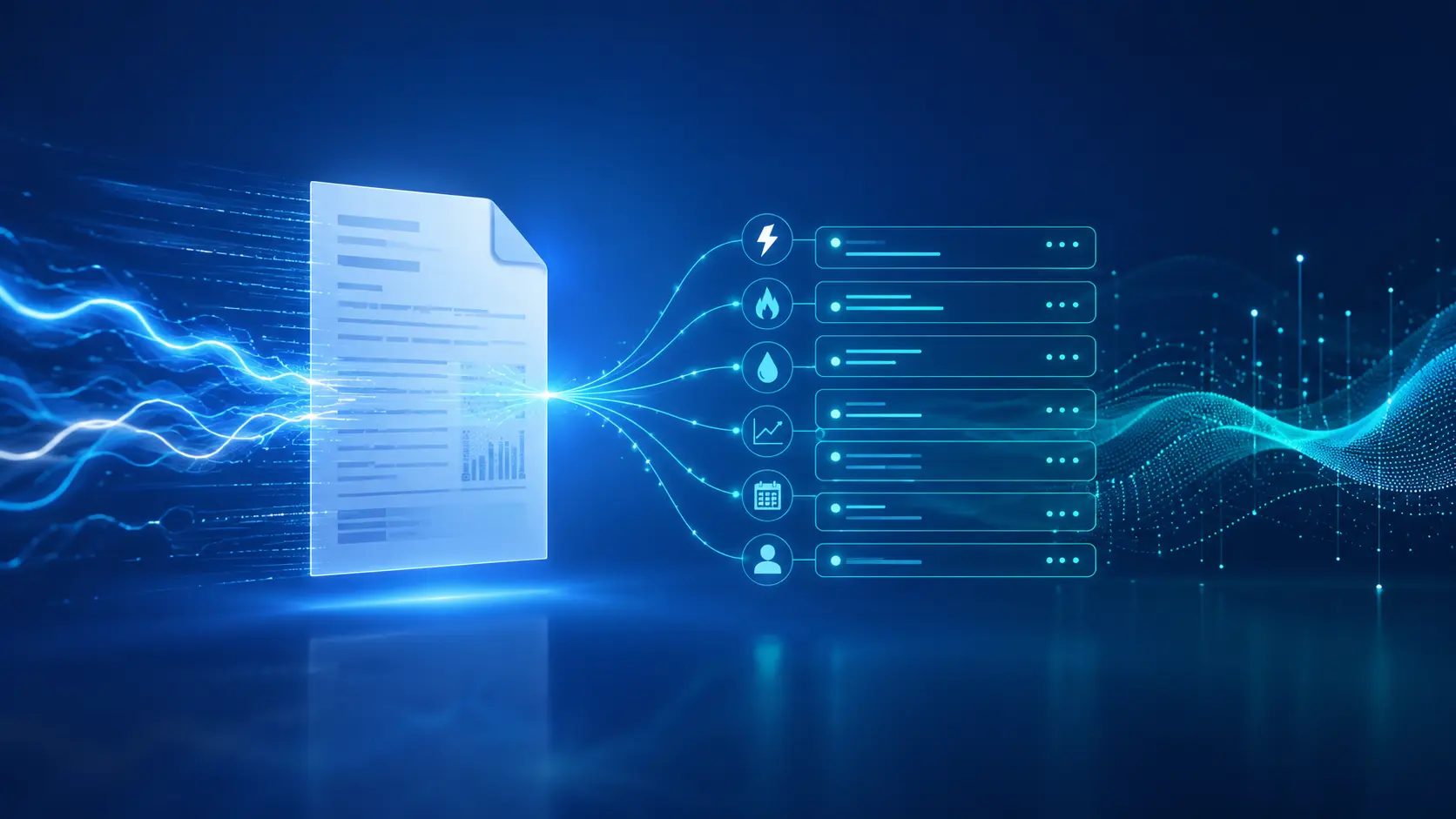
AI for Gas and Electricity Switching: Less Friction, More Contracts
Extracting data from utility bills and documents still slows down many switching processes. With myBiros’ specialized AI, utilities and sales networks can automate data entry, reduce errors and accelerate contract signing.
Read it now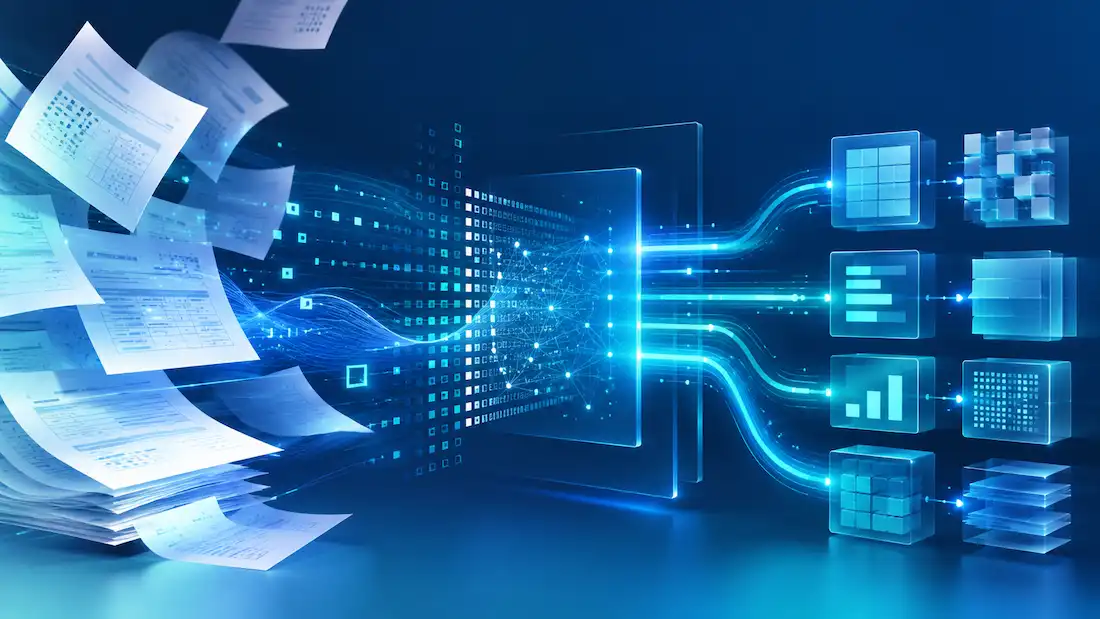
Accelerating Time-to-Yes in Lending with AI
AI accelerates the analysis of financial documents, reduces manual work, and transforms data into structured information, enabling banks and financial intermediaries to respond faster and improve their Time-to-Yes.
Read it now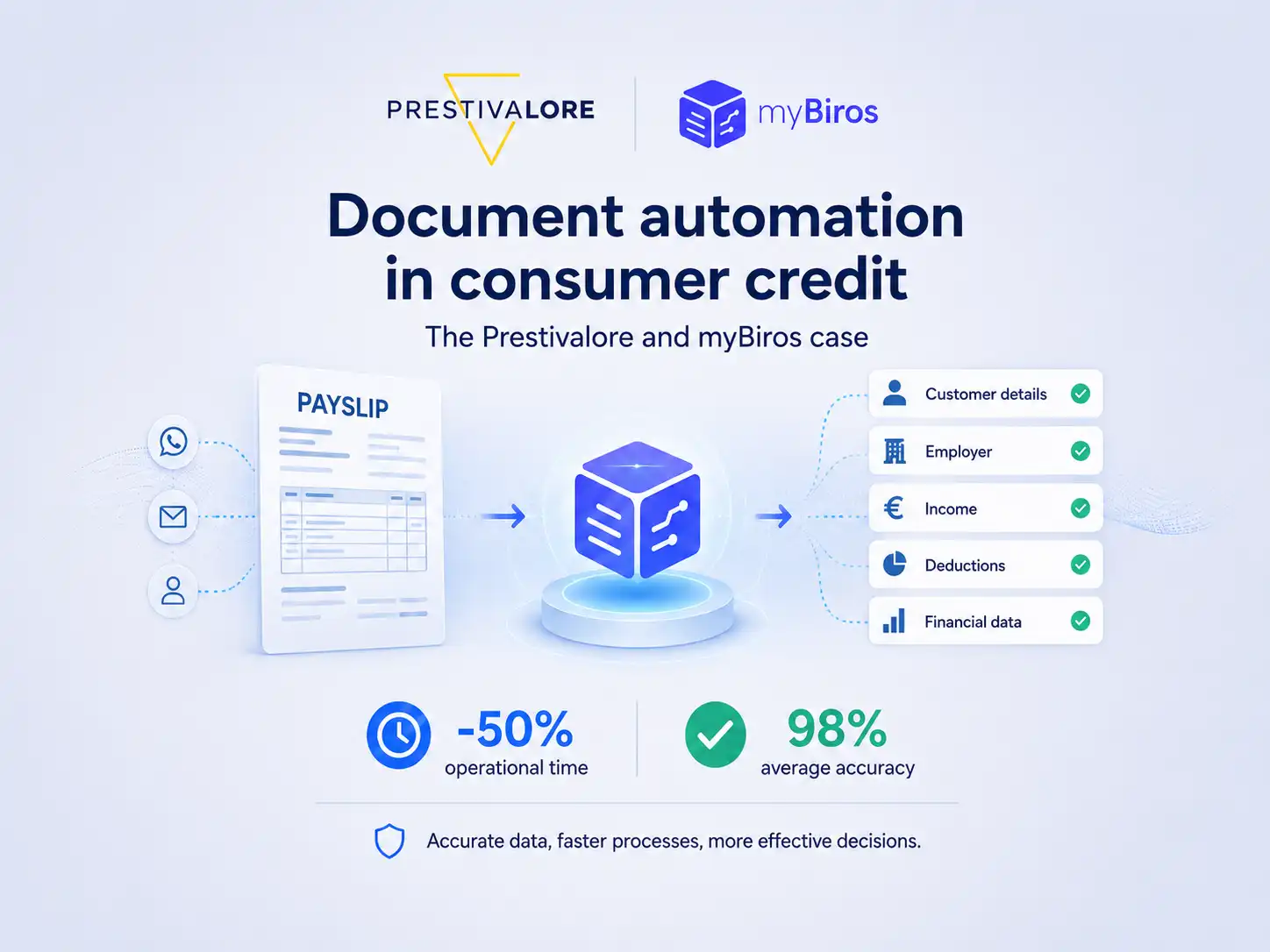
How Prestivalore reduced operational times by 50% with myBiros
Prestivalore processes approximately 90,000 documents each year, including payslips and identity documents. Thanks to myBiros, the company has automated data extraction, reduced manual work, and achieved an average accuracy rate of 98%.
Read it now
Beyond the Demo: The Hidden Complexities of Training and Validating VLMs for Document AI
Training a VLM for Document AI may look straightforward in a demo, but bringing it into production requires a robust pipeline: multimodal datasets, controlled fine-tuning, and reliable output validation.
Read it now

